December 11th, 2013
Among other efforts to reduce our South West Water bills, we employ
If it’s brown
flush it down.
If it’s yellow
Let it mellow.
– which saves a lot of money, but the bathroom always smells of wee. Fortunately for us, we live in rainy Devon and there’s a rainwater butt fed by the drainpipe outside the bathroom window. We leave the bathroom window permanently ajar due to our rented house’s endemic mould problem and now also the “If it’s yellow” odour. The lightbulb over my head told me I could pump the water from the butt through the window opening into the toilet flush cistern.
-
-
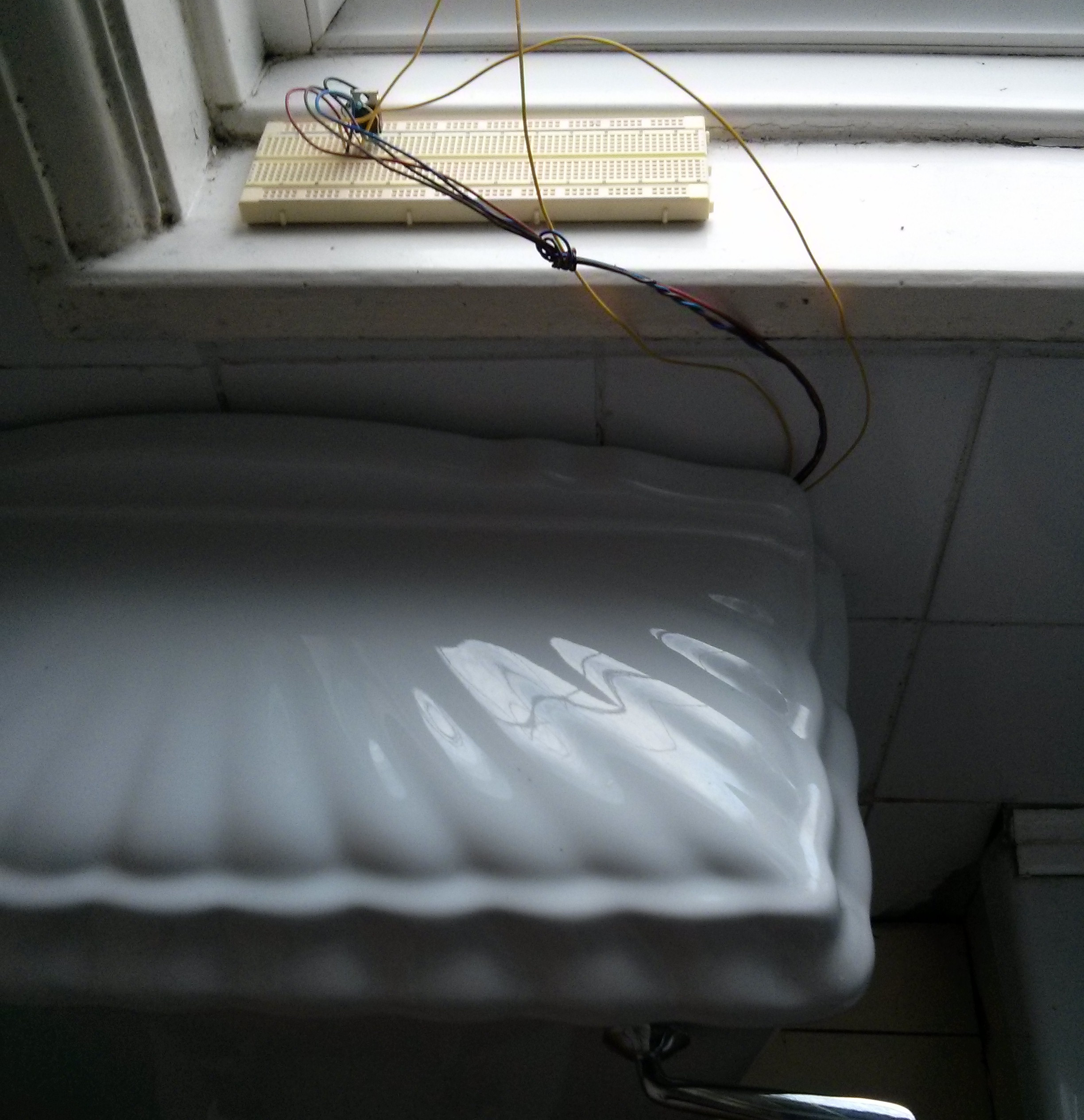
MOSFET near cistern. Knotted wires are 12V supply and pump. Yellow wires are from cistern float switch
-
-
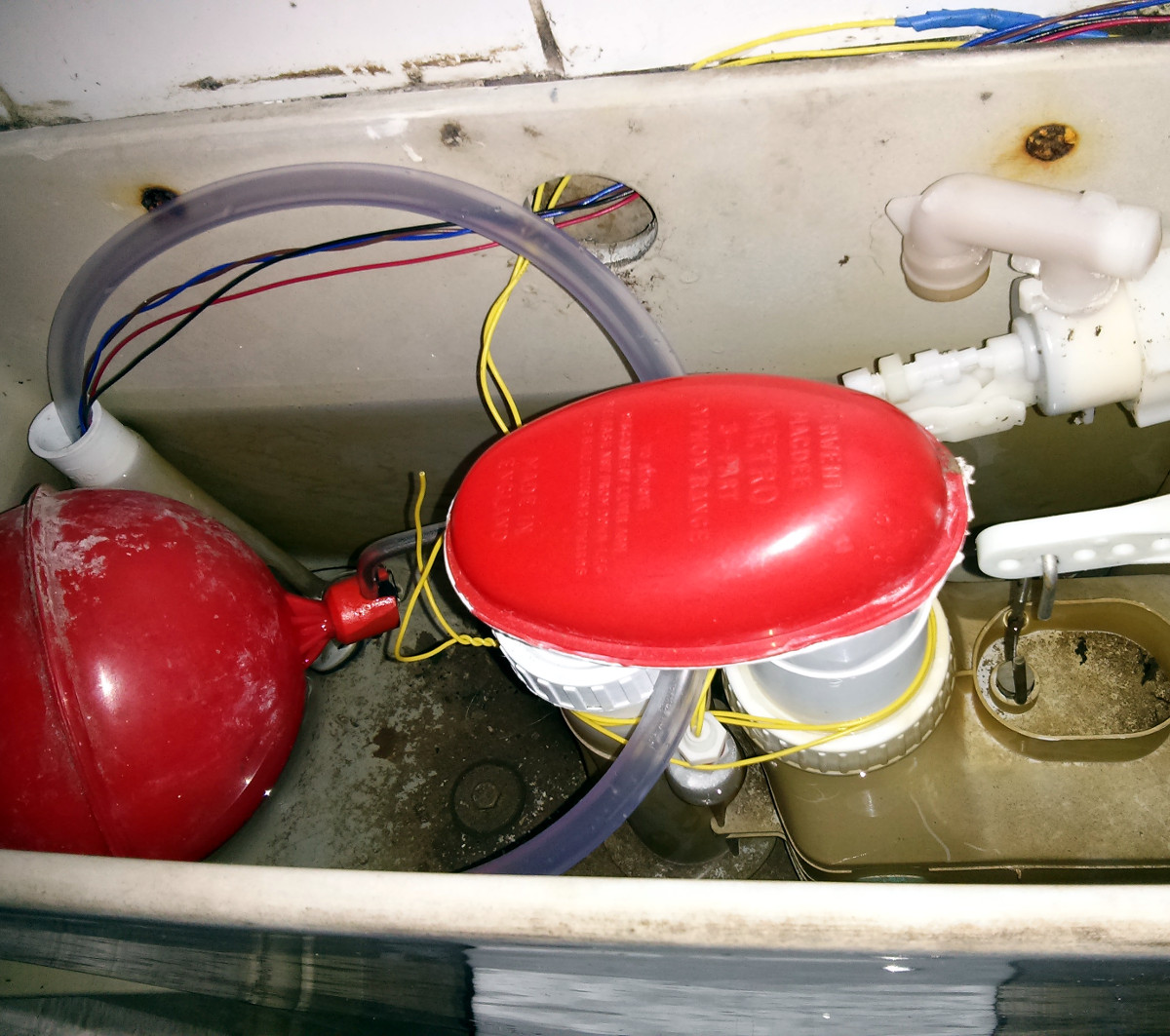
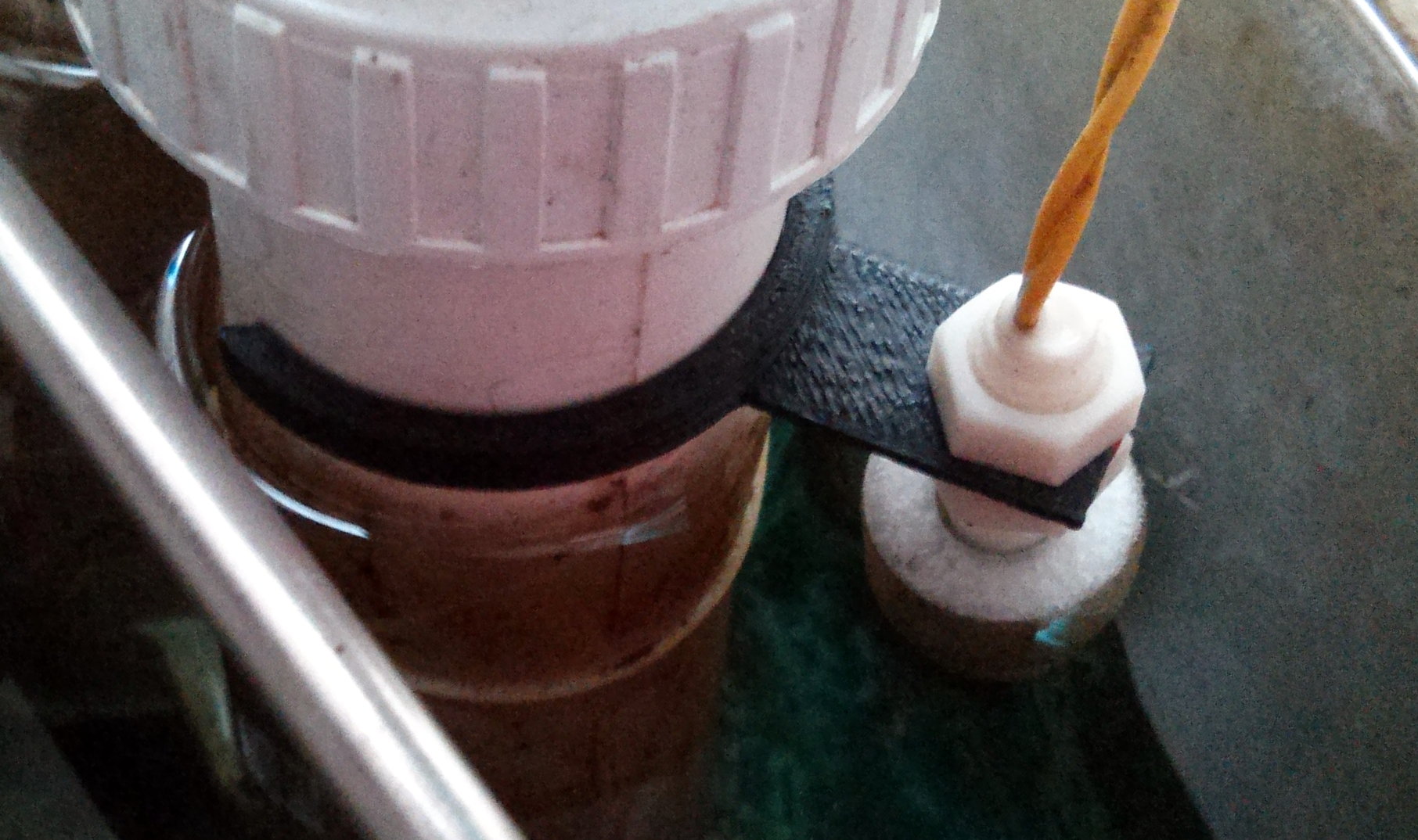
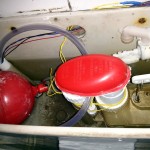
Cistern, float switch tied to flush siphon, tube opens above water, pointing down!
-
-
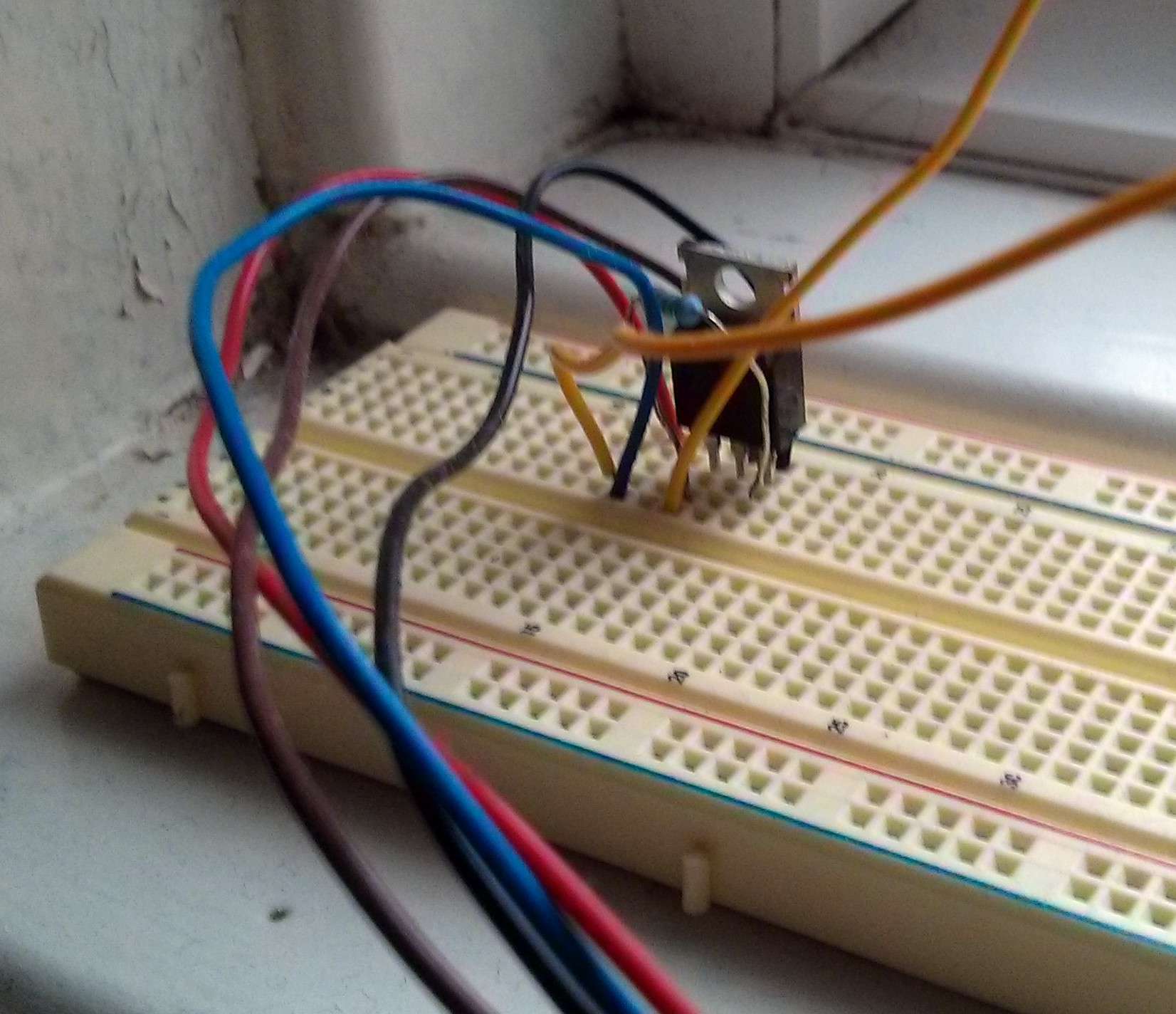
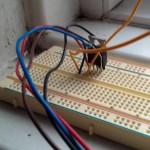
MOSFET transistor switched by float in cistern.
-

-
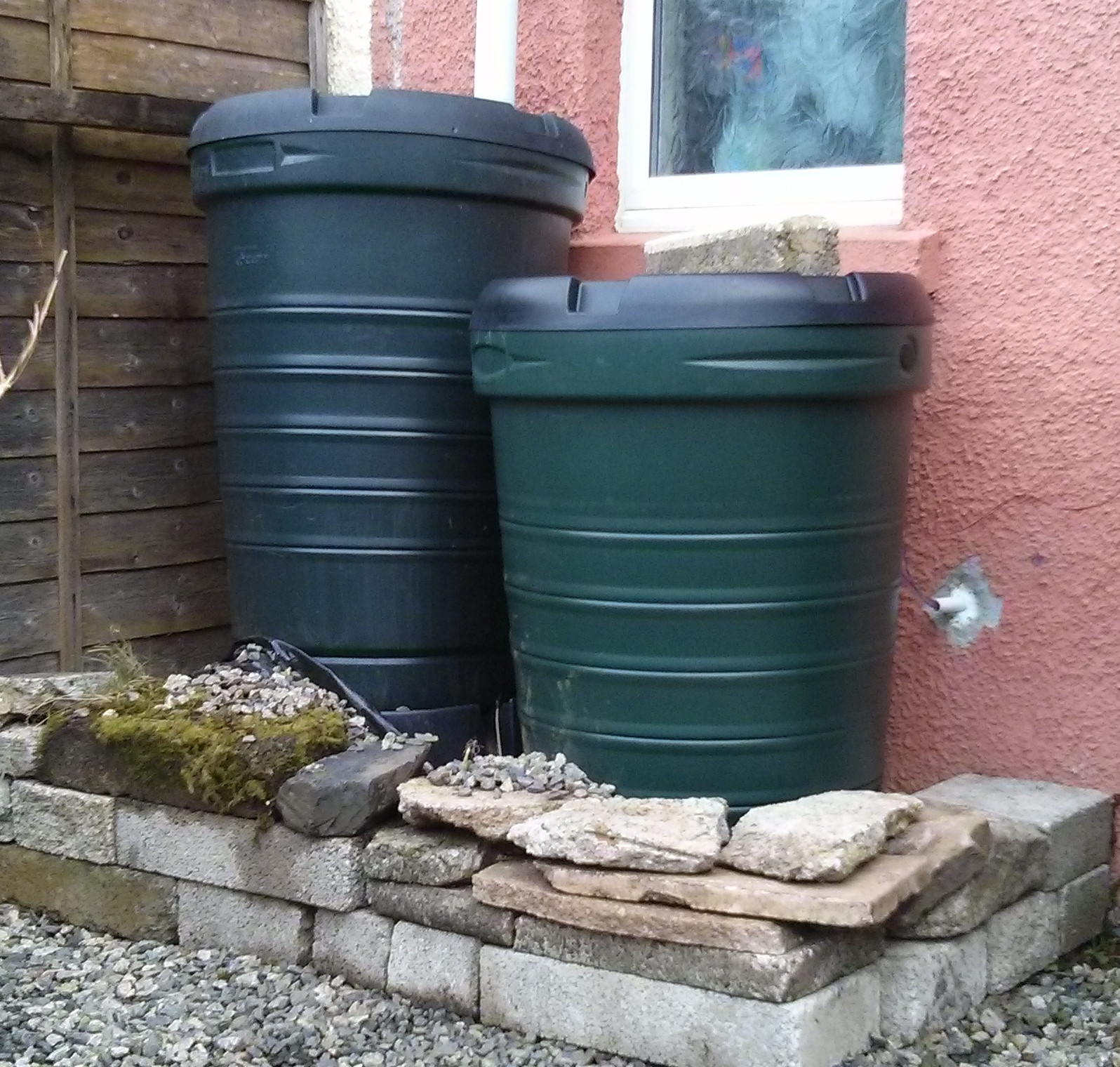
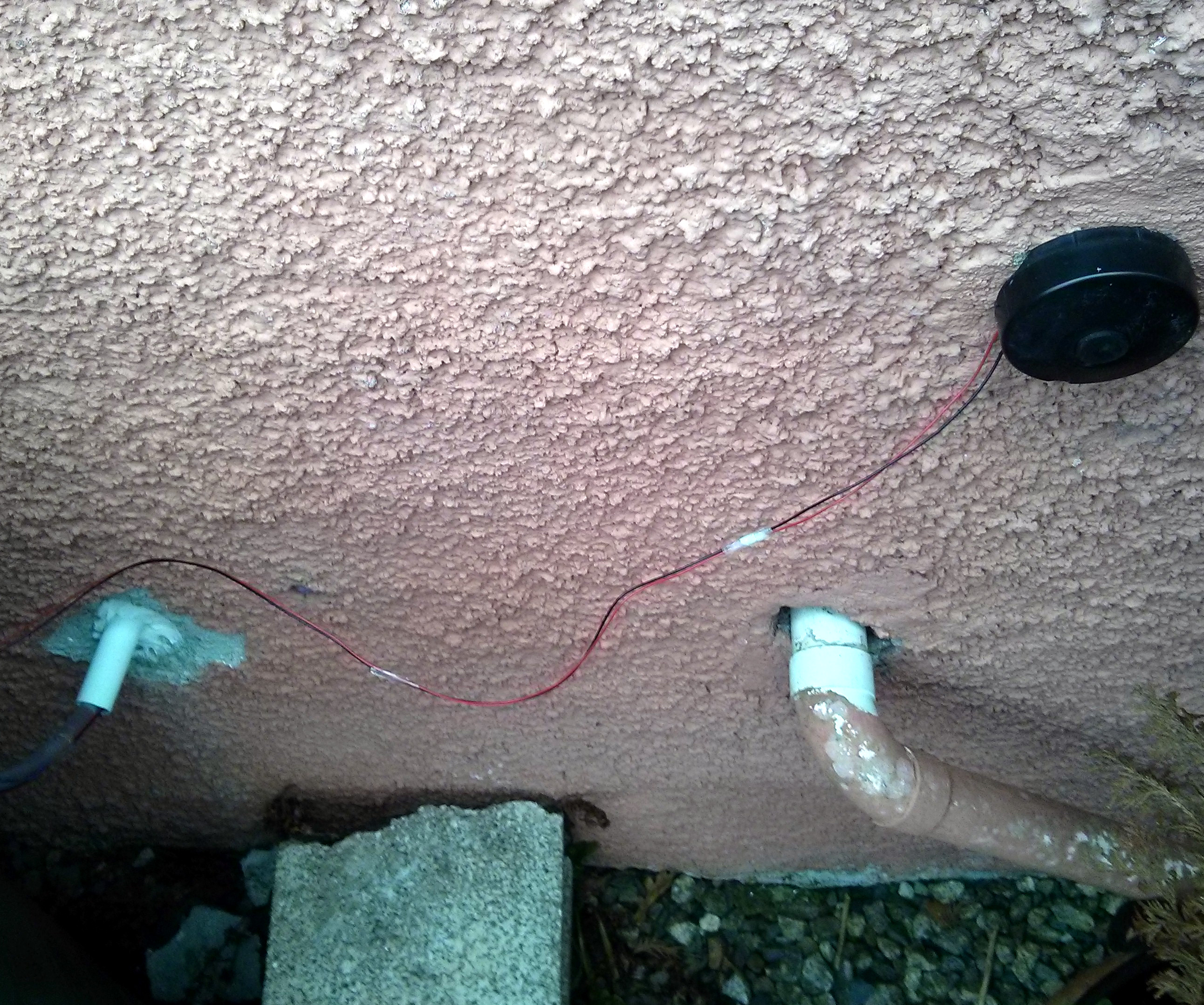
Water butts, pipe/wires through overflow.
-
-
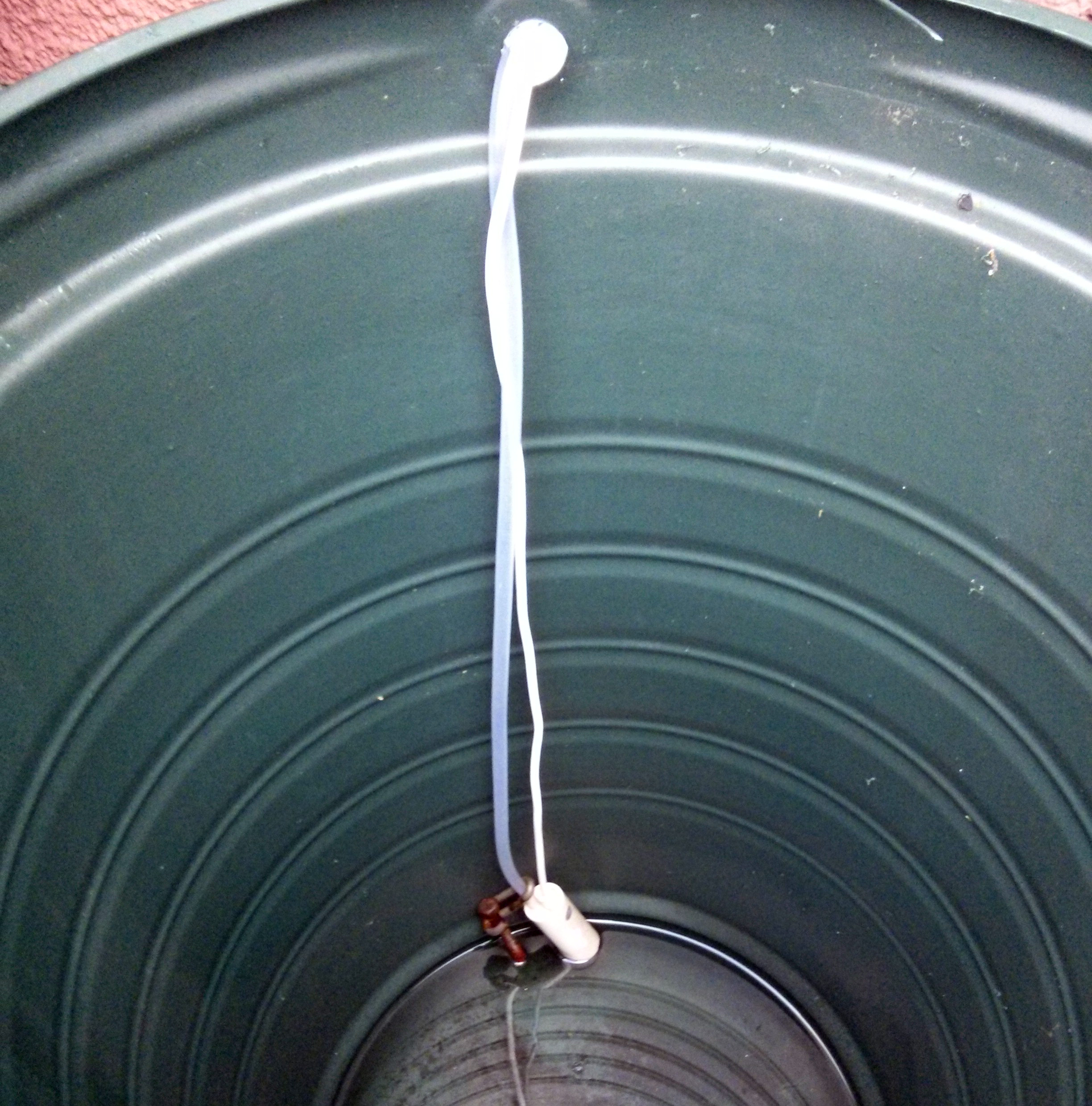
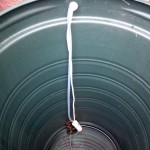
Pump inside water butt weighed down with scrap metal
-
-
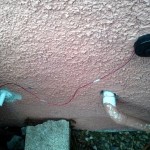
12V supply in kitchen cupboard via defunct water meter AMR button.
-
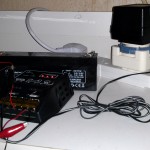
-
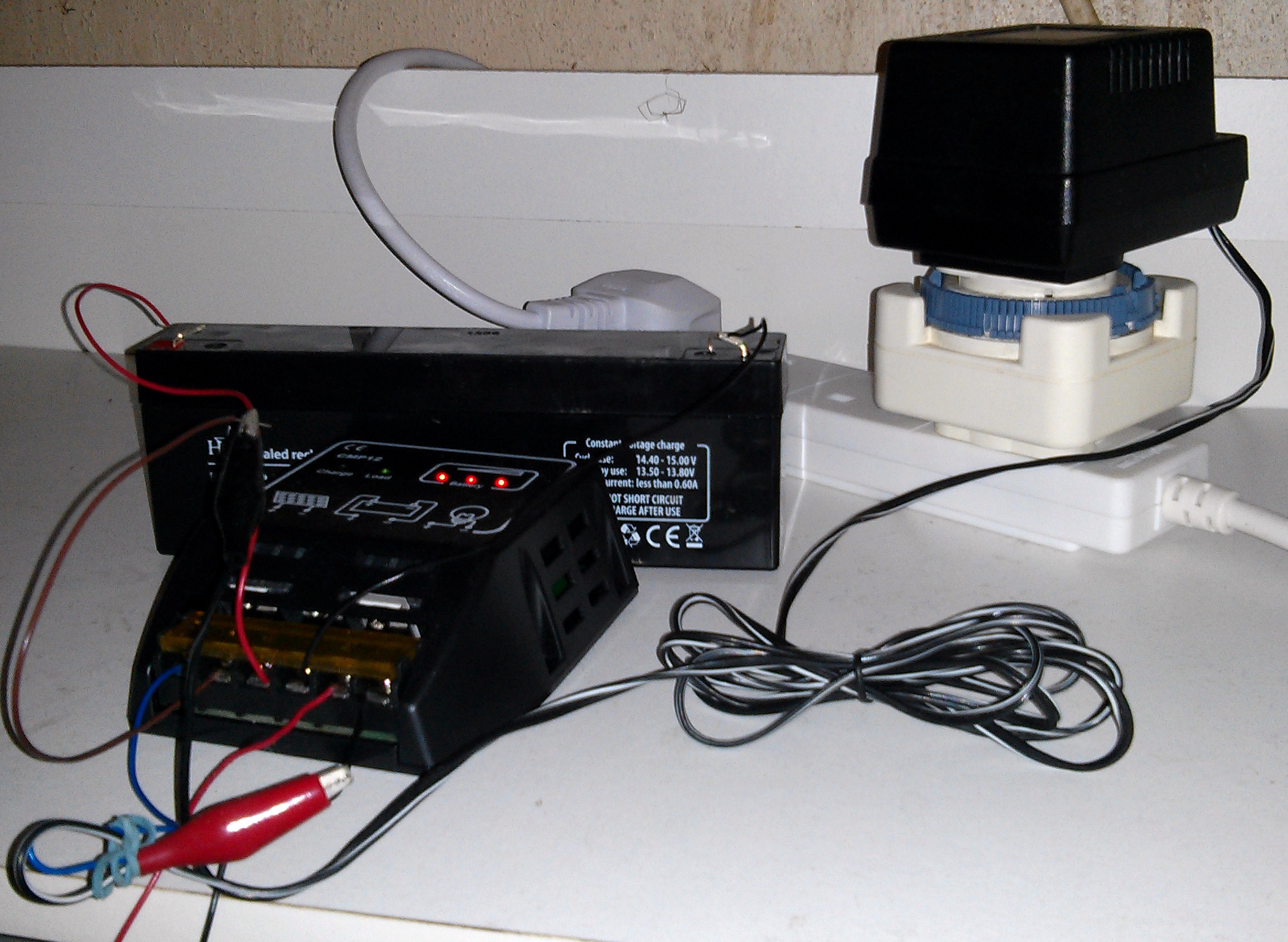
12V battery, solar charge controller, 12V/1A DC transformer
-
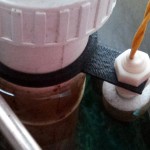
-
Neat clip for float sensor made on my 3D printer!
The Electric Rainwater Toilet Flush
The plan in brief is to put a submersible pump in the rainwater butt, run power and a water pipe through the bathroom window, switched with an electric float switch in the cistern and … ker-ching! Here’s my shopping list:
The pump and switch had short wire tails needing extension for which I used some insulated wire I had left over from other projects. Sizing the pump and battery depends on the power required to pump the water (how high and fast it’s lifted) and how often you flush the toilet. I used a 2-ish amp pump with a 2Ah battery which refills the cistern in between 1 and 2 minutes, so about 30 flushes will drain this battery flat from fully-charged.
In ecstatic optimism I dug out some old 5W and 8W solar panels from my ‘lucky bin’ to keep the battery charged via a solar charge controller. This just didn’t work – the only sky the panels could ‘see’ from near our bathroom window is in the North East and after a couple of cloudy days just didn’t contribute enough to make the flush reliable, so the solar panels went back in the lucky bin to be replaced by a 12V 1A ‘wall wart’ DC transformer to keep the battery charged.
The first step was to fix the ballcock in place to stop the cistern filling with mains water. Fitting the tubing to the pump was made much easier by dipping the end of the tubing in a cup of hot water to soften it. Switching the 2+ amps for the pump was beyond the float switch’s rated 0.5A, so I used a now out-of-production MOSFET transistor from my lucky bin. The transistor is kept non-conducting with a resistor between gate and battery -ve when the float switch is open.
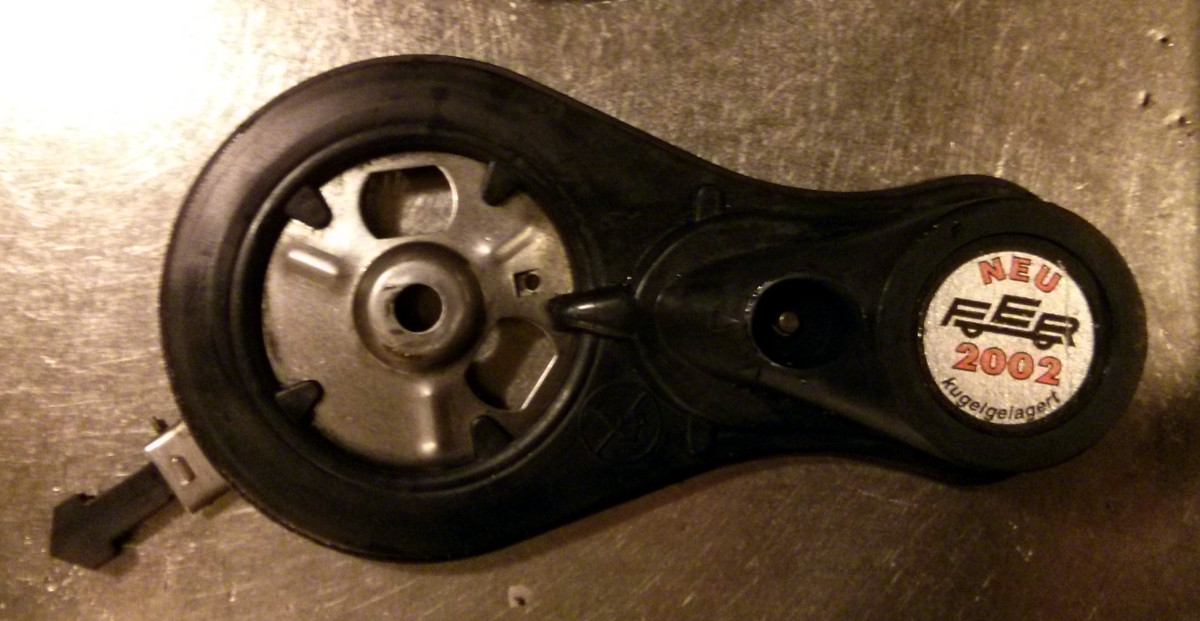
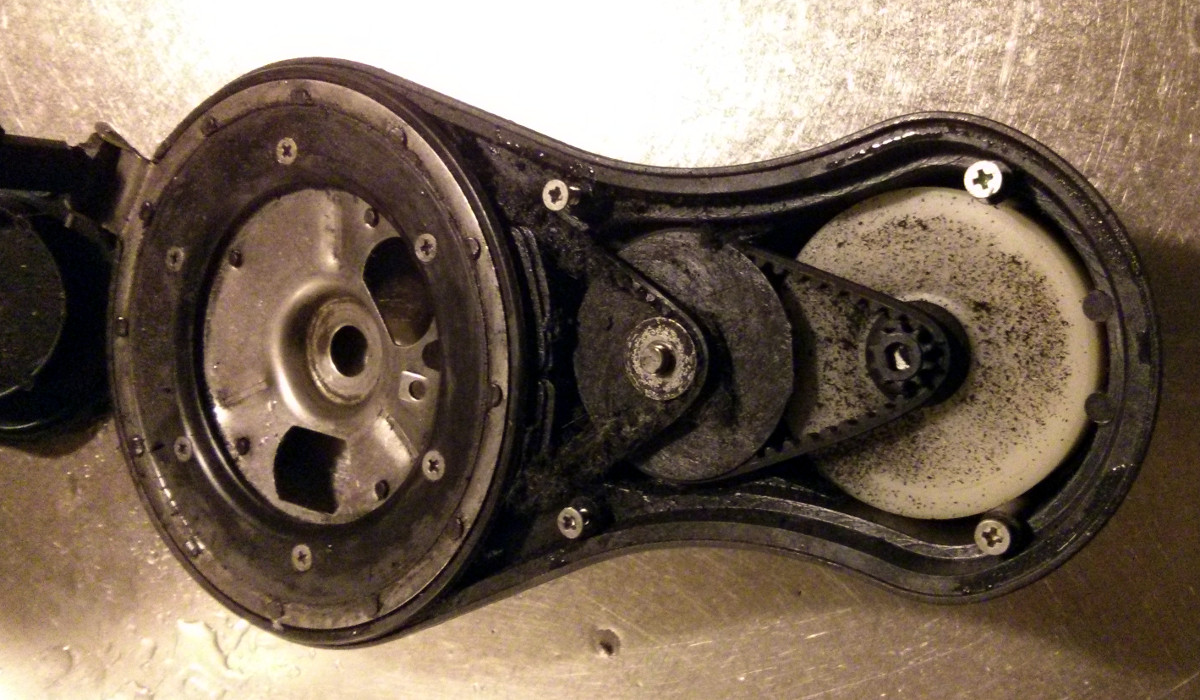
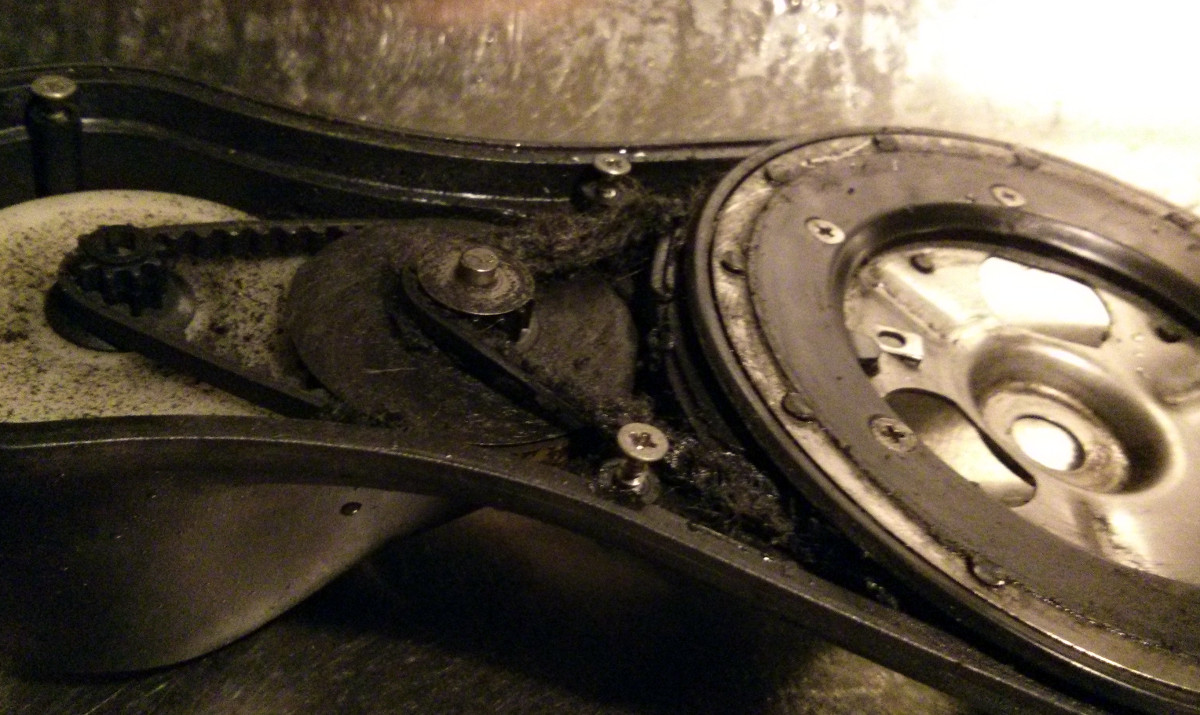
The float switch is crudely tied in place around the clipped with a bracket I made on my 3D printer to the cister’s siphon and floats *open* when the cistern is full. When the water level drops, the tiny float falls and closes the switch, causing the transistor to conduct and the pump to run, refilling the cistern. When the cistern fills to the level of the float switch, the tiny float rises, opening the switch causing the transistor to stop conducting and the pump stops running.
School of life
The first time I tried this I threw everything in place, connected the battery direct to the pump, satisfied myself everything was going to work and disconnected the battery. The pump switched off, but the cistern kept filling. The fill level of the rainwater butt was slightly above the fill level of the toilet cistern so I had primed a siphon! This would have meant that the rainwater butt would have overflowed through the toilet cistern inside, which seems like a bad idea. I placed the cistern end of the tubing above cistern water level so I can hear the cistern refilling, but note that ‘silencing’ the refill by placing the end of the tubing under the water in the cistern would create a cistern-draining siphon.
The easy fix to the siphon-into-cistern problem is to lower the rainwater butt, but I couldn’t do this as the house / rainwater butt is not mine. The butt is on a pedestal which I could have removed, but the rainwater downpipe is cut to meet the lid of the butt. Instead I drilled a new overflow hole in the rainwater butt below the fill level of the toilet cistern inside the bathroom. Don’t tell my landlord. When I leave I shall have to search the WWW for a butt plug.
The lowered rainwater butt overflow means the butt now holds less water. A full 200 litre rainwater butt holds only about 20 flushes. My family of 4 can easily exceed that on a carefree flushing day. I bought another rainwater butt from the town council office (good quality, good price) and joined the two butts tap-to-tap with a short length of garden hosepipe, again softened in a cup of hot water. The two butts together hold around 300 litres.
Then it got much colder with even daytime temperatures below freezing. The pipe connecting the two butts froze, so I built a low wall (if this was my house I would have made a housing) around the water butts and buried the connecting hose, which seems to keep it unfrozen for now but won’t make future maintenance any easier. The icy blasts coming through the window were an issue at shower time, so I took the tubing and wires out of the window opening and fed them (not easy!) back up through the toilet cistern overflow. We can now close the bathroom window if we want to and the piping / wiring is invisible except for the MOSFET in a prototyping board sitting on the bathroom window sill.
If water level in the butt falls below the intake of the pump, the cheap pump I bought will keep spinning. I bought but have yet to fit a float switch to detect when the butt runs dry, so at the moment I have to check daily during dry spells. If the rainwater butt level is too low, I unplug the transformer / charger, disconnect the battery and free the ballcock in the toilet cistern to go back to mains filling. There are more expensive pumps which incorporate a float switch which would give a neater layout. Wiring such a switch in series with the cistern level switch would mean longer wire runs, but would switch the pump off at the transistor.
Conclusion
It works excellently … until it stopped raining in the UK for 3 weeks recently. When the 5-day weather report says no rain, we go back to “If it’s yellow …” and we can flush sparingly for nearly a week. If it rains, we flush, flush away like billy-o.
I think we use something like £1 (South West Water price is ~£5.50/m³ or 0.55p/litre) of water per day to flush the toilet if we do it recklessly. We haven’t done that for some time, so the difference in consumption between “If it’s yellow …” and rainwater flushing is not as impressive – but it does show. Here’s a chart of water consumption with mains water and “If it’s yellow …” and here is a chart of water meter readings with the rainwater butt refilling the cistern.
The crude average displayed at firtl.com/log (1.39 cubic metres per week mains-filled versus 1.213 per week for rainwater) shows we use about £1 of water per week when flushing sparingly, so this little project still saves money compared to a stinky mellow toilet. There’s some fine balancing to be done with the cost of rainwater storage but with 200 litre tanks at £35, 2 or three tanks should amply provide for most houses, with the occasional use of mains water in prolonged dry spells.
Updates
2014 March 10: We forgot all about the flush – it just kept reliably working thanks to a wet winter. The sound of the pump outside was becoming easier to hear recently and then in the last few days the power transistor overheated so badly we could smell it. I suspect the pump is either partially blocked or worn out. A new higher-spec pump is in the post.
2014 August 4: The rainwater flush has gone back to being quietly reliable once more. The new pump is this one. I made a crude adapter for the thin water pipe by bunging the outlet with a synthetic wine cork and drilling the wine cork out to fit the water pipe. Worth reporting is the ‘funkiness’ of the water over a summer with long dry spells. Small worms and fly larvae were making it through to the toilet cistern which wasn’t very nice. I’ve been occasionally adding a spoonful of “Oxy” laundry bleach to the toilet cistern when I back-fill the rainwater butts from the toilet cistern in a dry spell. I let the ballcock drop, disconnect the pump and leave the end of the rainwater pipe in the water so mainswater is siphoned back into the butts outside. I trialled a toilet cistern bleach block in the water butt, but that presents an obvious (in hindsight for me) risk of bleaching the downstream water course when the water butt overflows in heavy rain. Perhaps a fine filter would be a better idea?
Posted in hardware, Life, Money, Useful | 2 Comments »